Onboarding and Subscribing
Detailed guide on our onboarding and subscribing processes.
Written By Delyan
Last updated 9 months ago
Summary
This article walks you through our onboarding process and is designed to help new users get started quickly and confidently.
Edge is most powerful when it understands you. That’s why, after registration, users are encouraged to complete a quick 6-step onboarding process. This helps us learn your basics, trading style, and preferences so we can personalize your experience.
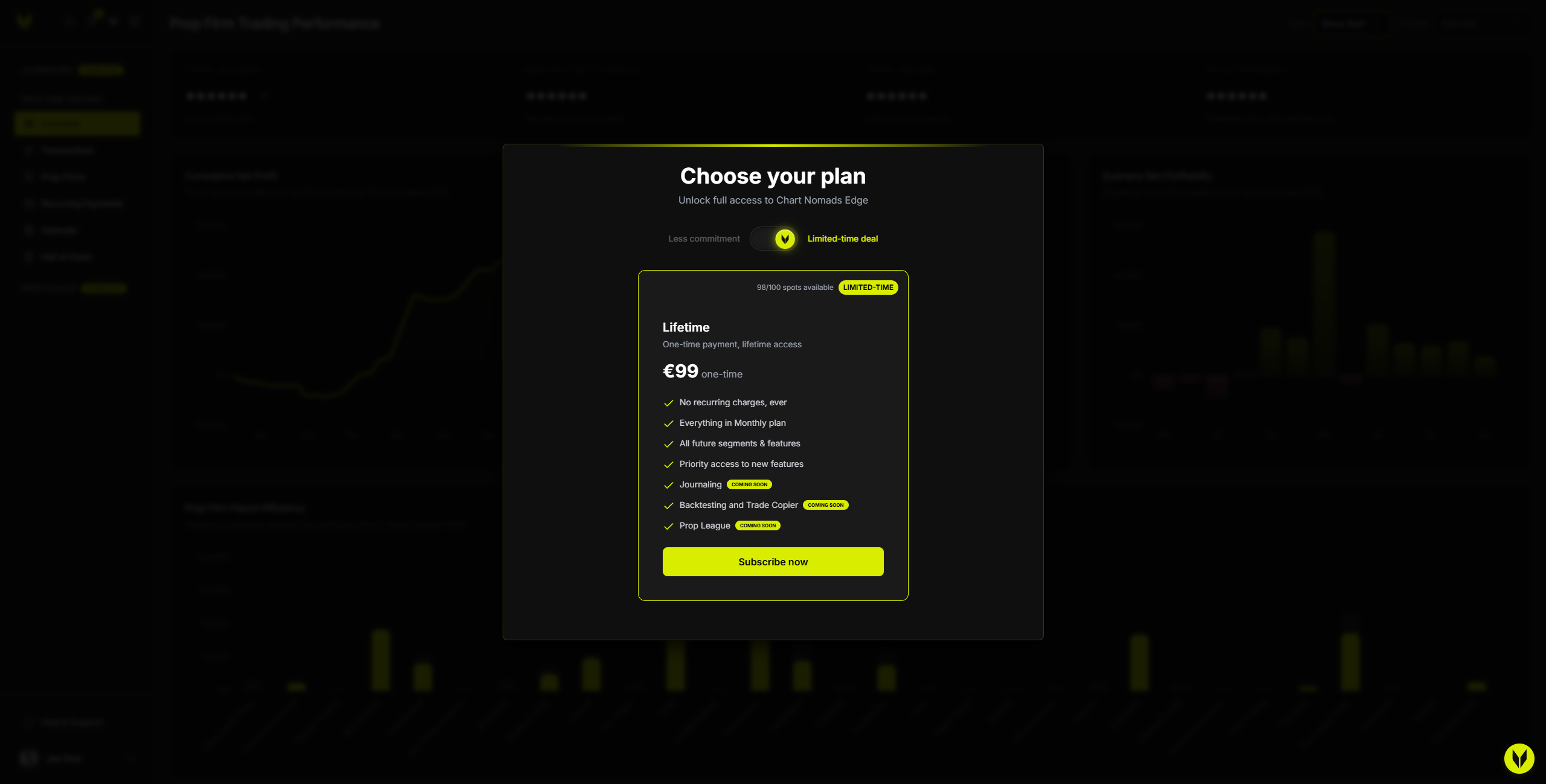
Once registration and onboarding are complete, you’ll be redirected to the /user/billing page, where you can choose a plan and unlock full access to the application.
How it works
Onboarding process (optional)
Onboarding is optional, but we highly recommend completing it to unlock a more personalized experience from the start.
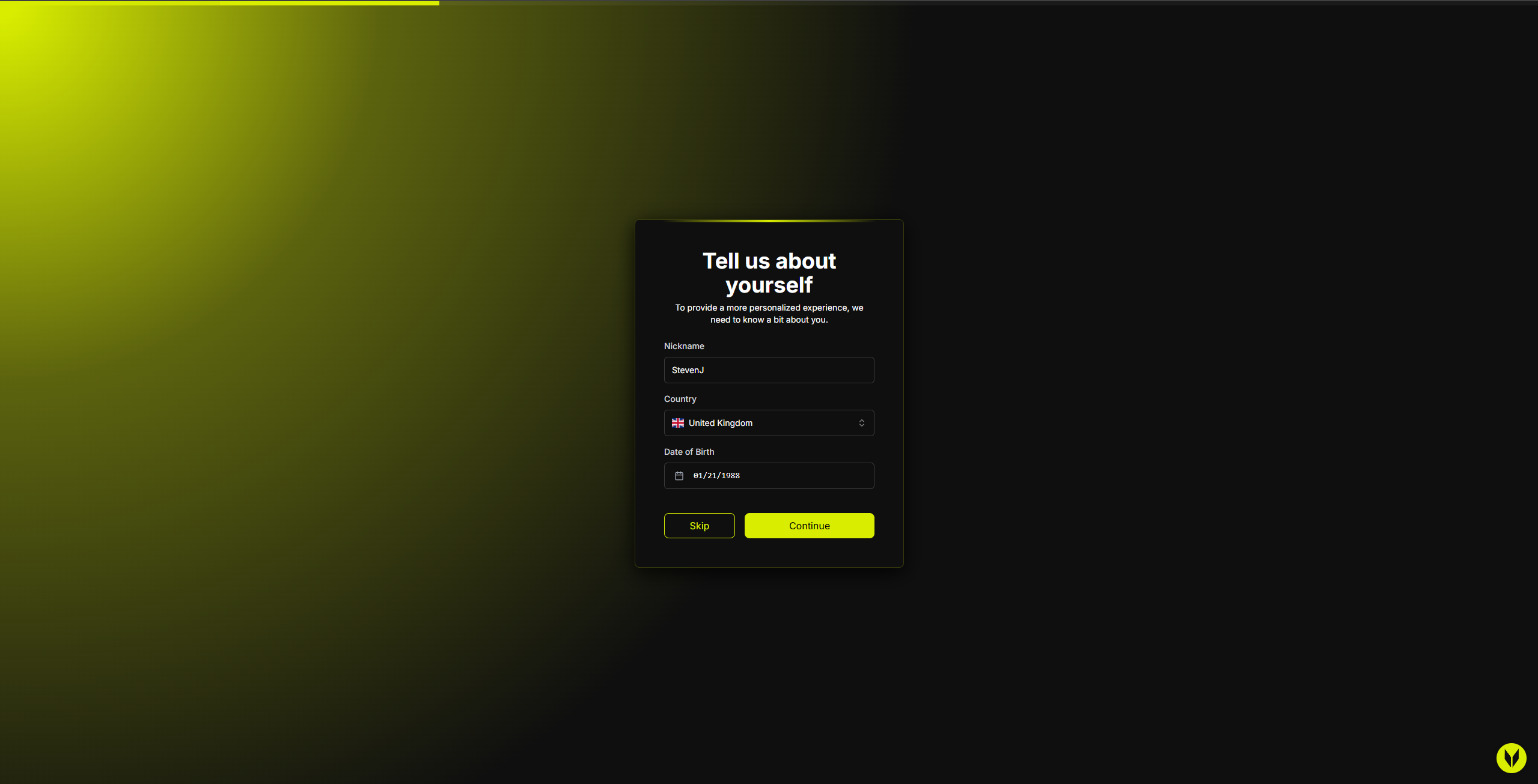
Step 1 – Basic Information
Help us learn the basics about you:
Country
Birthday
Nickname
Step 2 – Trading Profile
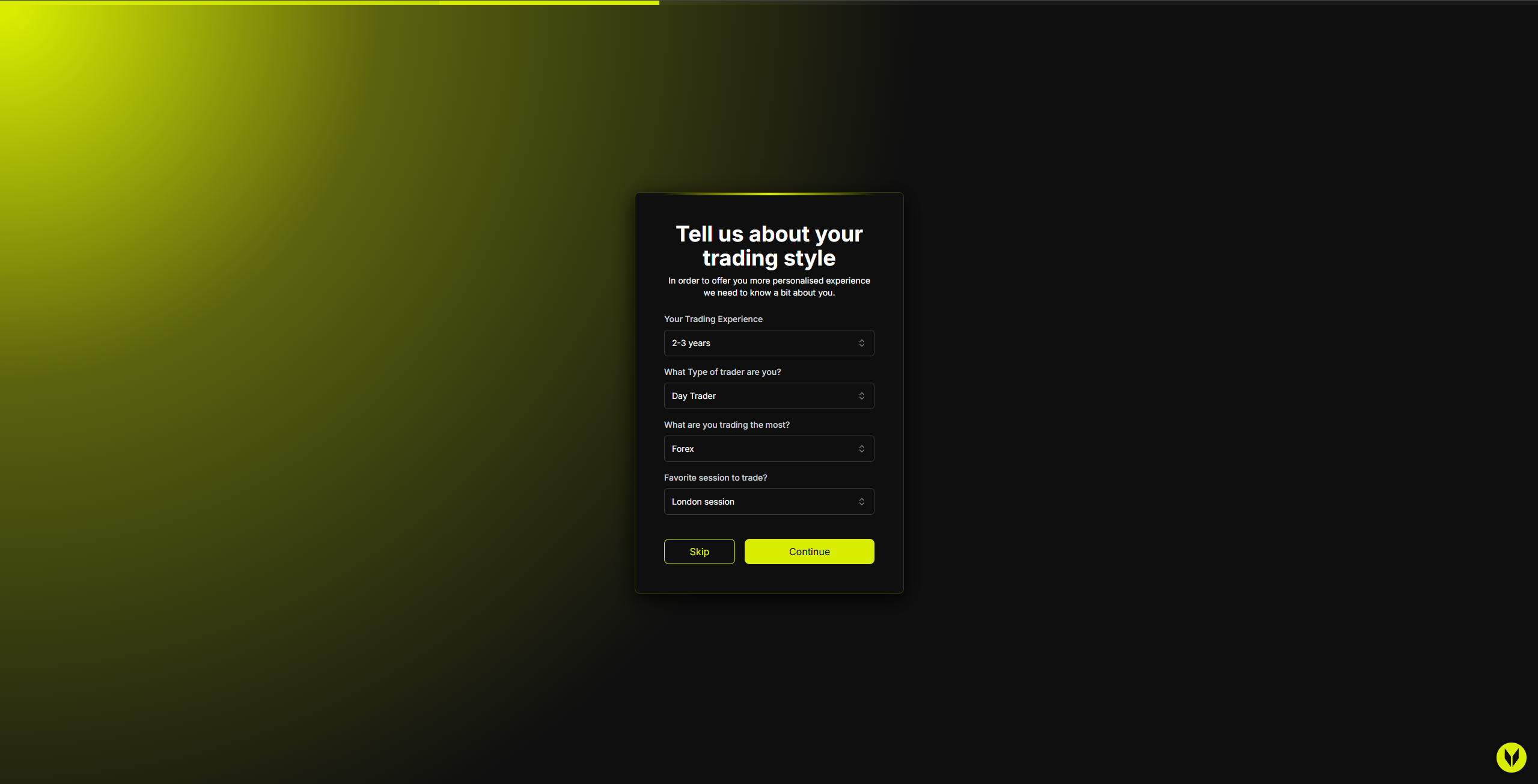
Tell us more about how you trade:
Trading experience
Trading style (Scalper / Day / Swing)
Primary asset (Crypto / Forex / Indices / Commodities / Metals)
Favorite trading session (Tokyo / London / New York)
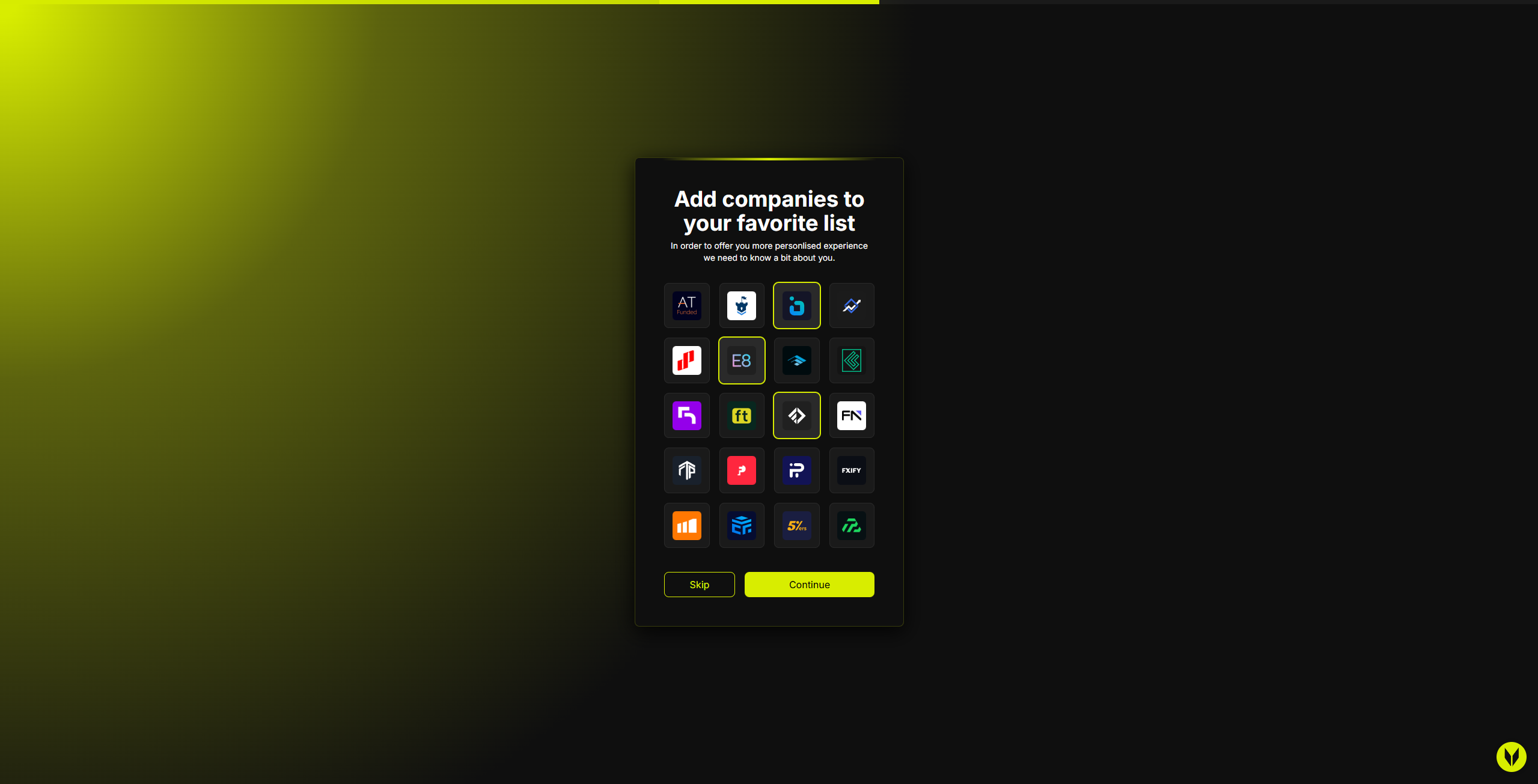
Step 3 – Favorite Companies (Optional)
Choose companies from our list and mark your favorite companies.
Step 4 – Feedback & Discovery
Let us know:
How you heard about us
Which social or marketing channels work best for you
This helps us improve and focus on the platforms our users value most.

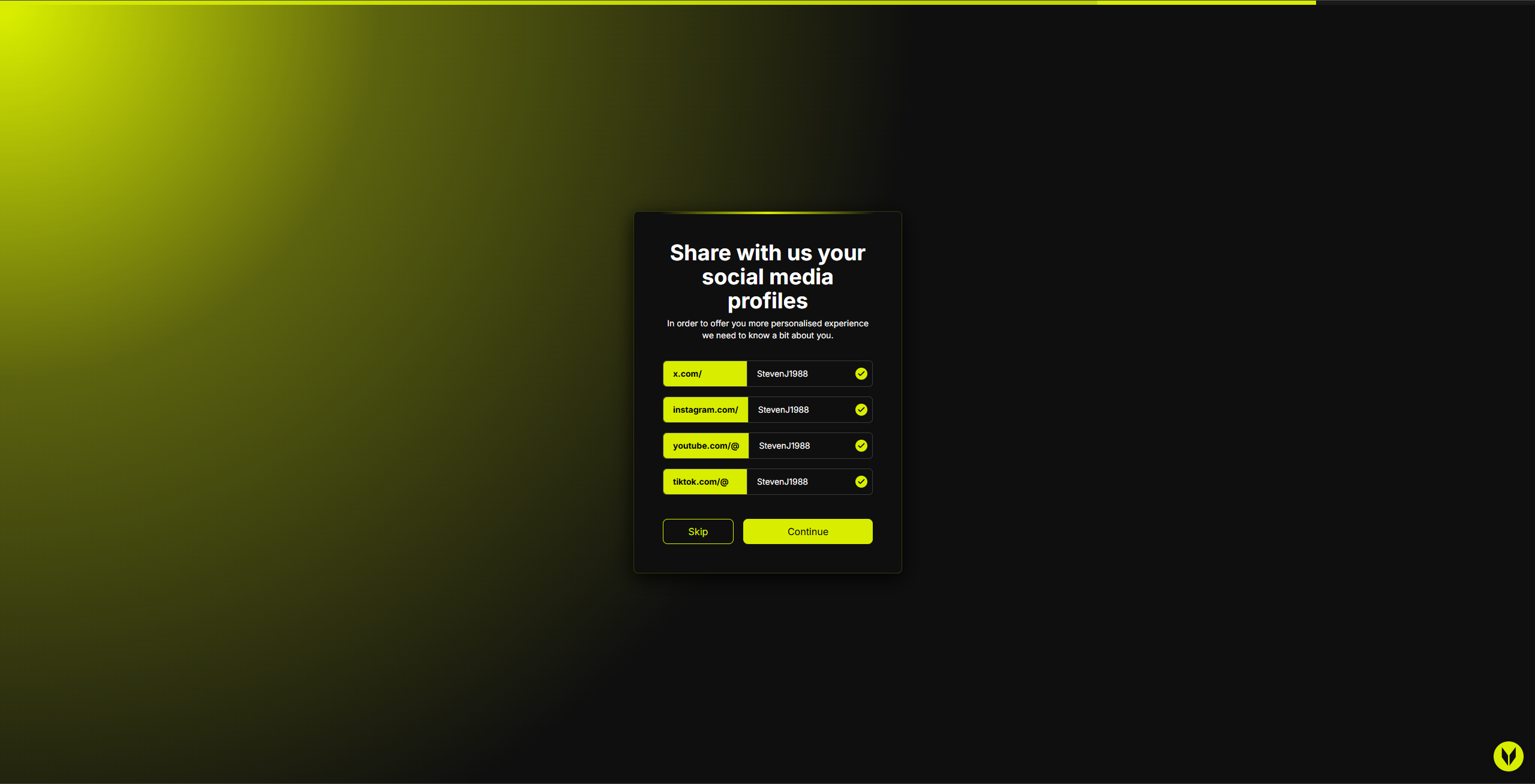
Step 5 – Social Proof (Optional)
You may add your social media handles (handle-only):
X (Twitter)
Instagram
YouTube
TikTok
This supports our social proof and community-driven goals.
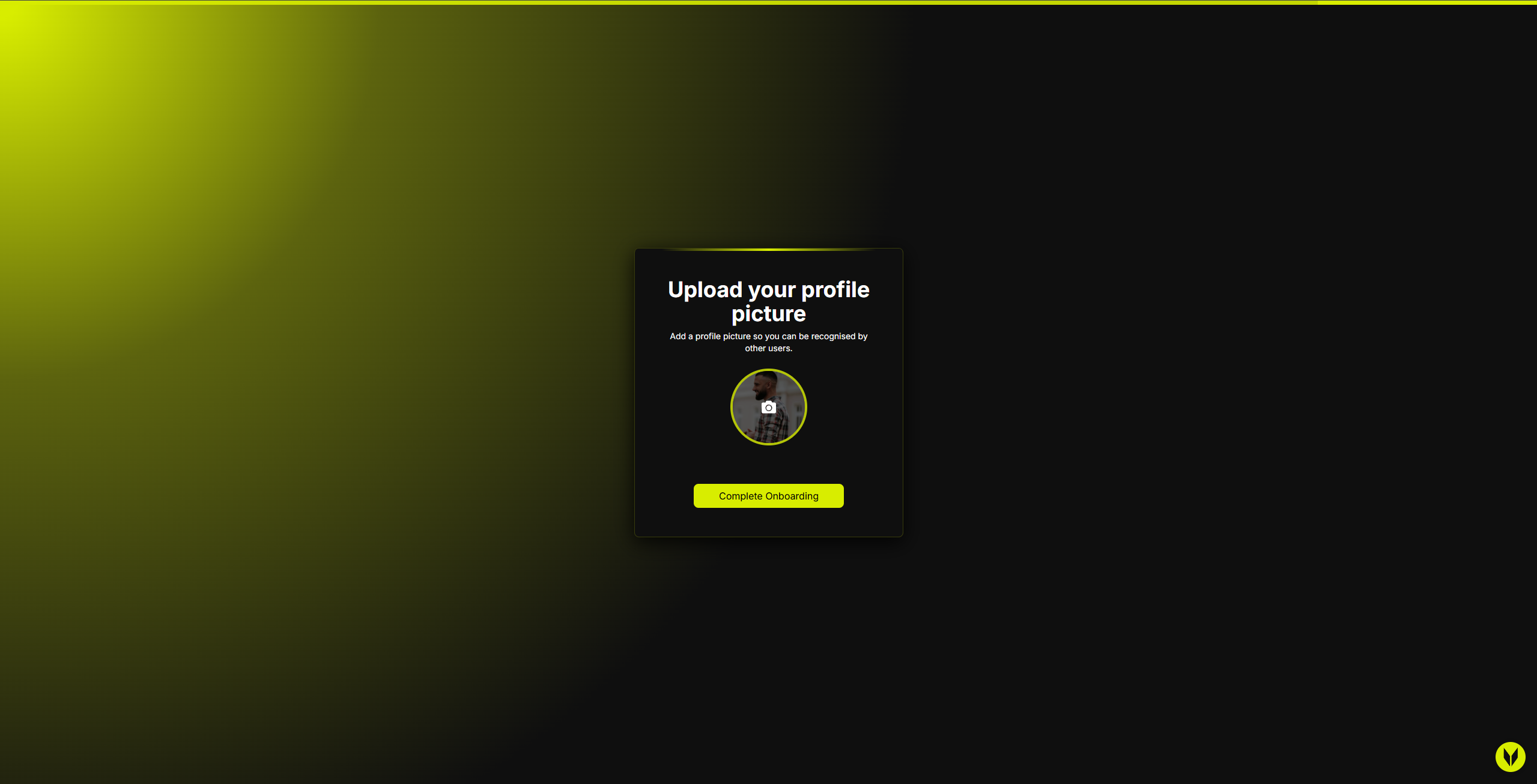
Step 6 – Profile Picture
Upload a profile picture to complete onboarding.
🎉 That’s it! You’ve successfully completed onboarding.
Billing & Upgrades
After registration (and onboarding, if completed), you’ll be redirected to /user/billing to select a plan.
Important:
You can upgrade from Monthly to Lifetime at any time from the Settings section in your user profile.
Troubleshooting
Stuck After Onboarding
Navigate directly to
/user/billingIf Stripe doesn’t load immediately, wait a moment and retry
If the issue persists, contact our support team
Related Articles
Still need help? Ask the team