Hall of Fame page
Showcase your best results with certificates, gain recognition by showcasing your skills.
Written By Delyan
Last updated 9 months ago
This article explains how to use the Prop Firm Trading → Hall of Fame page to view, preview, and export payout certificates and performance badges.
Hall of Fame turns your logged payouts into shareable certificates and metric badges, making it easy to prove results to firms, partners, or your audience.
How It Works
Hall of Fame Overview
The Hall of Fame page builds certificates directly from your payouts and displays them alongside performance-based metric badges. All content updates automatically based on the selected year.
Using Hall of Fame
Step 1 – Open Hall of Fame
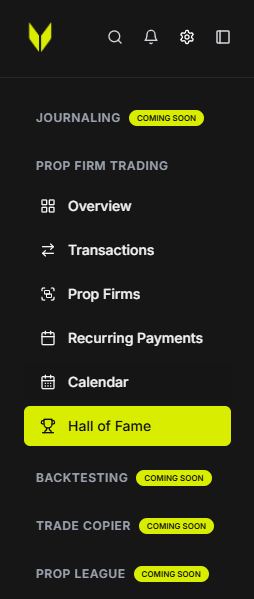
From the sidebar, navigate to:
Prop Firm Trading → Hall of Fame
Step 2 – Select a Year
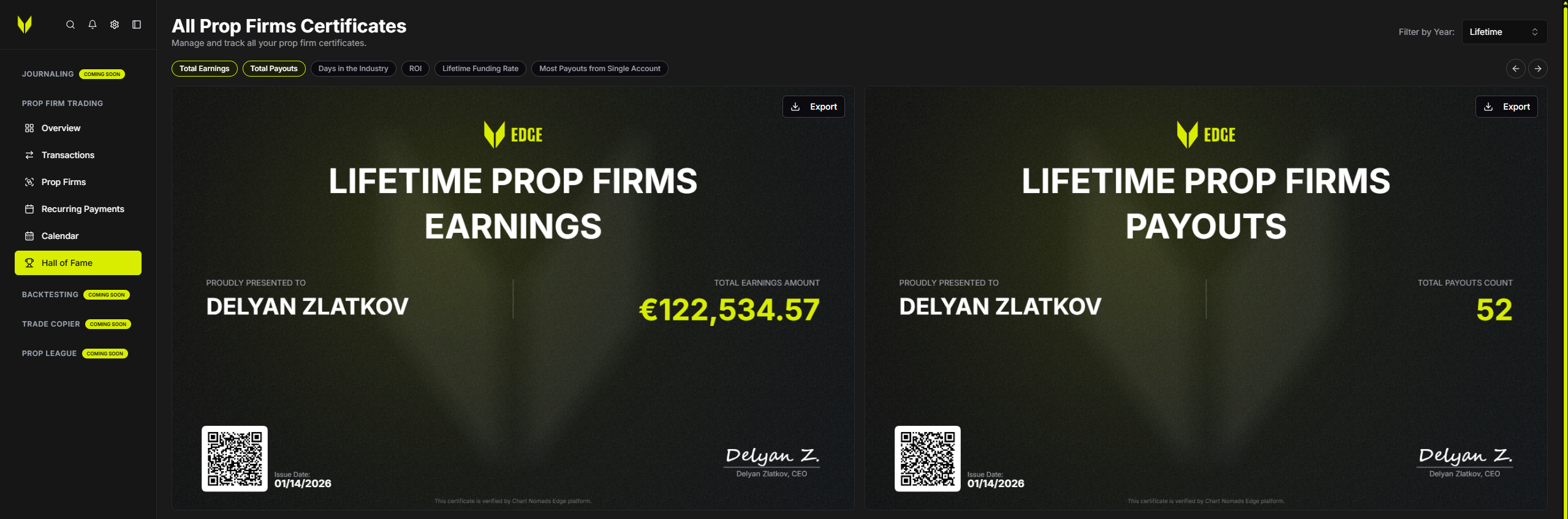
Use Filter by Year to choose:
Lifetime
Or a specific year

All certificates and metrics update to match the selected period.
Step 3 – Review Metric Certificates
Metric badges include:
Total Earnings
Total Payouts Count
Days in Industry
ROI
Funding Rate
Most Payouts From a Single Account
Each metric certificate can be previewed and exported individually.
Step 4 – View Payout Certificates
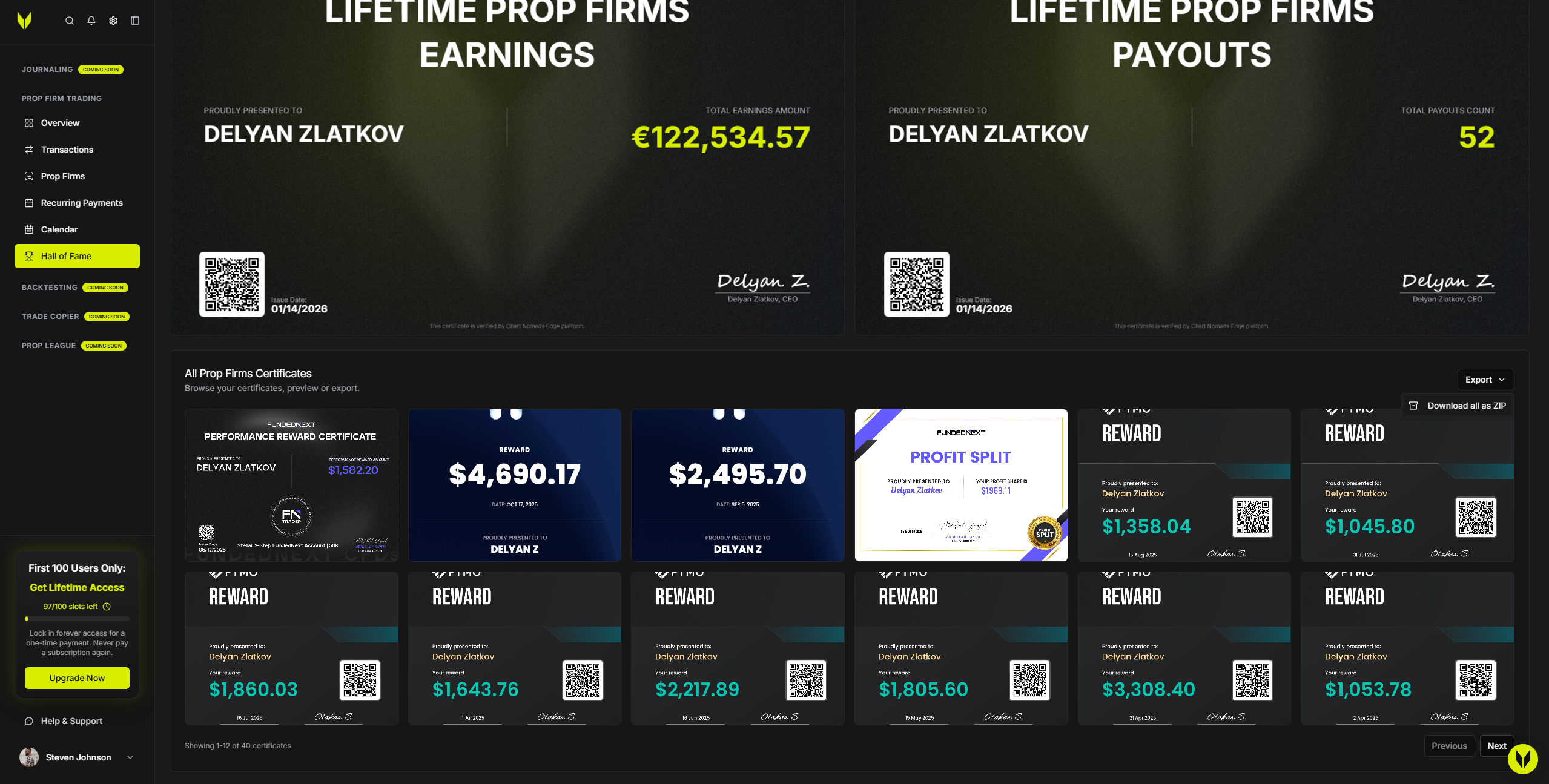
Each payout with an attached certificate appears as a tile
Tiles show firm name, payout amount, and date
Click a tile to open the certificate viewer
Use arrows to navigate between certificates
Download certificates directly from the viewer
Step 5 – Bulk Export Certificates
Click Download all as ZIP to export all payout certificates for the selected year in one file.
Metric badges have their own individual export buttons.
Important Notes
Certificates are generated only from payouts logged in Transactions
Payout amounts include multipliers so exported values remain accurate
Read-only mode disables downloads and exports
Troubleshooting
Certificate Missing
Attach the certificate file to the payout in Transactions
Return to Hall of Fame and refresh
ZIP Export Fails
Ensure at least one payout certificate exists for the selected year
Confirm you are not in read-only mode
Related Articles
Still need help? Ask the team